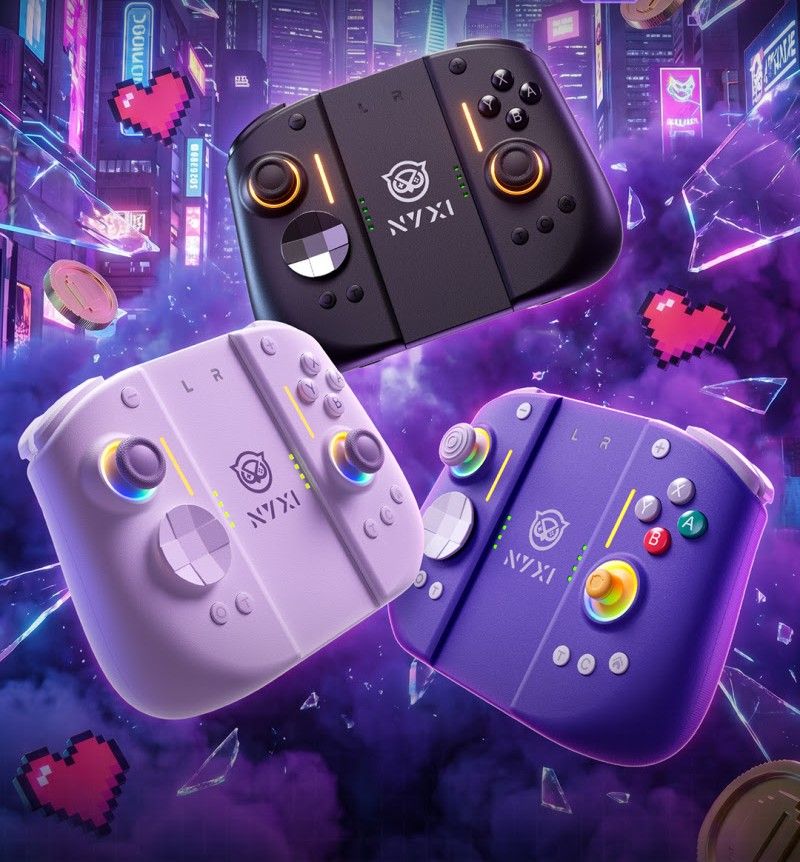
Nyxi Hyperion 3 Switch 2 Joy-Con WHITE — Hall effect sticks. front View
+7
+6
+5
+4
+3
+2

NYXI HYPERION 3 SWITCH 2 JOY-CON

Home/Store/Nintendo Switch 2
AU$109.95
Sold out
Comparison Price: AU$156.00 Save AU$46.05
4 payments of AU$27.49 with
NYXI Switch 2 Upgraded, 3rd Party, 'HALL STICK' Updated, Larger/Better JOY-CONS.[AUS STOCK]
Random Bonus Bargains #1
Sold out
Save this product for later
Why Not Share this product on your socials?
ShareSharePin it
NYXI HYPERION 3 SWITCH 2 JOY-CON
Home/Store/Nintendo Switch 2
Product Details
Brand: NYXI
Price Includes Shipping: YES
Hall Effect Magnetic Joysticks: YES
Weight: 0.40 kg

The 1st Hall Joy-Cons: Bigger, Better Ergonomics, Pro Joy-Con

A Quality Direct Upgrade/Replacement for

Nintendo Switch 2:(ONLY)

(Known as BASE model going forward)

---------------------

Looking for NYXI PRO or NYXI ULTRA JOYCON?

PRO as per ULTRA, minus "Mouse Mode" these will cost slightly less than NYXI ULTRA (No ETA as yet)

ULTRA. (BLACK ONLY) HD2 Rumble, TMR, NFC & Mouse Mode + More. = Sept 2026 @ $199 AUD approx.


  • Compatibility: Switch 2 (ONLY)
  • Switch Firmware 22.5.0 Working Fine
  • Connectivity: Direct Switch 2 Connection, 5.0 Bluetooth, USB-C Wired Connection
  • Battery Life: 8-10 hours
  • Charging Time: 2 Hours
  • Weight: 225g
  • Material: PC+ABS

KEY FEATURES:

  • Hall Effect Joystick (No Drift, No Cardinal Snapping)
  • Micro-Switch D-Pad & A/B/X/Y (For precision with a quiet yet tactile feedback)
  • Micro-Switch Trigger/Dual-stage Linear Triggers
  • 9-Axis Gyro on Switch 2 (Unlike others)
  • Chat/Screenshot/Turbo Dedicated Buttons
  • Pro Controller Mode/Handheld Mode {A Centre Joining piece/bridge with charge point provided}
  • Wake-up/Sleep & Screenshot Feature
  • Adjustable Turbo & Rumble Function (Including OFF/NO rumble option)
  • LEDs (which can be fully disabled if required)
  • Directly connects & Charges when attached to a Switch 2 (Uses BT when in handheld mode with the bridge piece)
  • Can also charge each Joy-Con individually via USB-C cable (Unlike others)

IN THE BOX:

  • 1 × NYXI Hyperion 3 Joy-Cons
  • 1 × USB-C Port/Chargeable Mid-Bridge
  • 1 × 1M USB-C Cable
  • 1 × Replaceable D-pad
  • 1 × User Manual (with Warranty Card)
  • 1 × Controller Back Sticker
  • 1 × NYXI Brand Welcome Booklet


** First time (only) connecting to the SWITCH 2, Do Not Touch Joysticks/Buttons until it has first paired/connected **


----------------

How to update the controller and view/change additional advanced configuration:

Updates arrive randomly. The latest firmware as of 14/07/26 is V2.23. You may/may not have this update; however.

(Update fixes random LED activation whilst on DOCK)

Keylinker App is NOT NYXI software. Many other 3rd-party controllers use it to update firmware.

1. Search and install the KeyLinker App from the app/play store on your mobile phone or tablet device. (*Android phone bug where the overlay sometimes hides the accept/yes/apply button is known. An Android/iPad tablet device works best.)

2. Ensure Bluetooth is enabled on the mobile phone or tablet, and run the Keylinker app
3. Power off switch 2 and the controllers. Connect a USB-C power cable to one controller, or use the centrepiece bridge with USB-C power attached. The NYXI Joy-Con should light up/flash. (In tests, I found this way best)
4. In the Keylinker APP, (slide down to refresh), controllers should now appear. Click on the device "NYXINJ22-R or NYXINJ22-L" that will appear to connect. (Each Controller must be updated independently)
5. Click the Keylinker submenu (3 dots, top right) in the Keylinker App, select Update App (checks for the latest app), then firmware update. If the system prompts you to update, select Update and wait for it to complete.

** DO NOT connect/add them directly to phones' Bluetooth. (If you already have, then disconnect/forget them from phone settings) **


Happy Gaming!

* Ghost inputs (as they have been described), 9/10, I have resolved by clearing macros/turbo, which has inadvertently been set to keys. (Macros will also record delays/pauses between button presses)

HOW to clear: Press/hold the 'T button' and 'back/extra button' together (White LED should light up, then let go of all buttons.) Now press the 'back/extra button' once only. (LED should go out) Do this for each controller. (Sometimes it takes a few goes.)

When playing a game, the character constantly walks/moves on his own: (Did you touch the controller before it had paired on first/initial connection? We can fix this via Switch 2 system settings, controllers & accessories, calibrate control sticks)

Whilst most issues can be resolved. If they can't, we refund or exchange.

----------


Show More
You May Also Like
Just Arrived!!
NYXI ODYSSEY HYPERION 3 CASENYXI ODYSSEY HYPERION 3 CASE
NYXI ODYSSEY HYPERION 3 CASE
NYXI ODYSSEY Hard Shell Case/Storage Suitable For Switch 2 + Hyperion 3 Controllers + Heaps MORE in this Spacious case.
AU$39.95
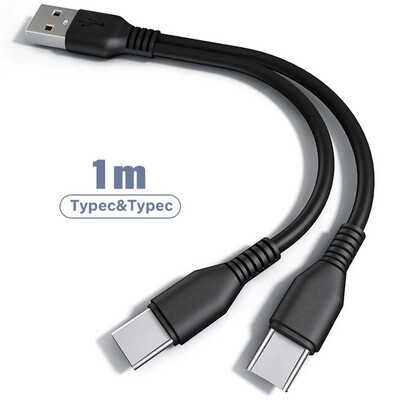
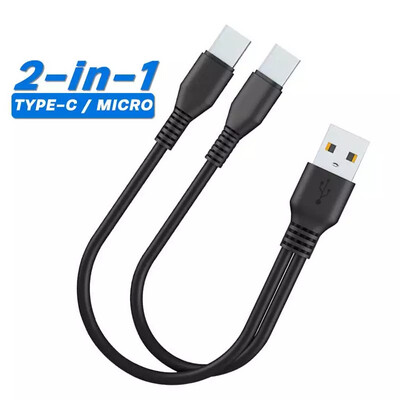
Dual USB-C Charger Cable. 1 MetreDual USB-C Charger Cable. 1 Metre
Dual USB-C Charger Cable. 1 Metre
Single USB-A to Dual USB-C Charger Cable
AU$9.95
TMR BARGAIN
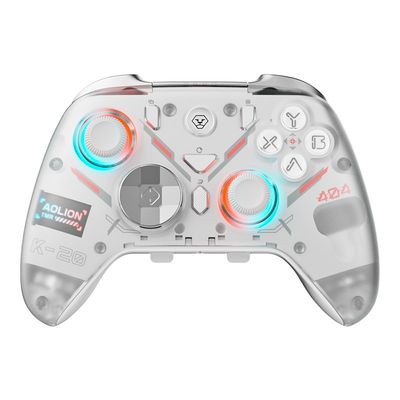
AOLION K20 TMR. Multi-Platform, Wireless, Gyro, Dock.AOLION K20 TMR. Multi-Platform, Wireless, Gyro, Dock.
AOLION K20 TMR. Multi-Platform, Wireless, Gyro, Dock.
K20 Multi-Platform TMR. MASSIVE Feature List, Low Latency, Wired/Wireless Controller + Dock + Switch 2 Sleep/Wake Support
AU$49.95
Last Few - Bargain Price!
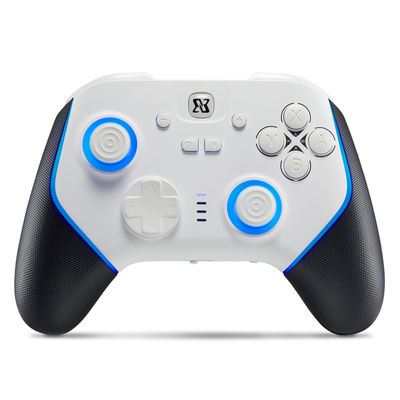
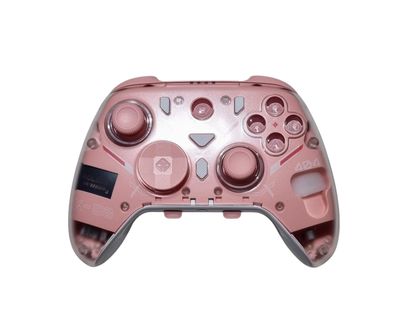
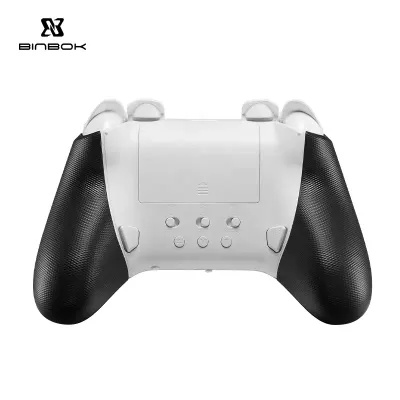
BINBOK ULTRA PRO 2 "Hall Effect" RGB Multi System ControllerBINBOK ULTRA PRO 2 "Hall Effect" RGB Multi System Controller
BINBOK ULTRA PRO 2 "Hall Effect" RGB Multi System Controller
Solid Multi System "Hall Effect" Controller. (Switch 1/2/ PC/ iOS/ macOS/Android/Steam Deck) 2.4Ghz
AU$49.95
Out of stock
  • Favourites
  • Shopping Cart
  • Gift Cards
Display prices in:AUD
Skip to main content
Pi-Mania
Menu
Products
Social Links
Affiliate Links
Delivery Info
Contact Us

Pi-Mania

Terms & ConditionsPrivacy PolicyShipping & Payment InfoReturn PolicyReport Abuse
Powered by Lightspeed